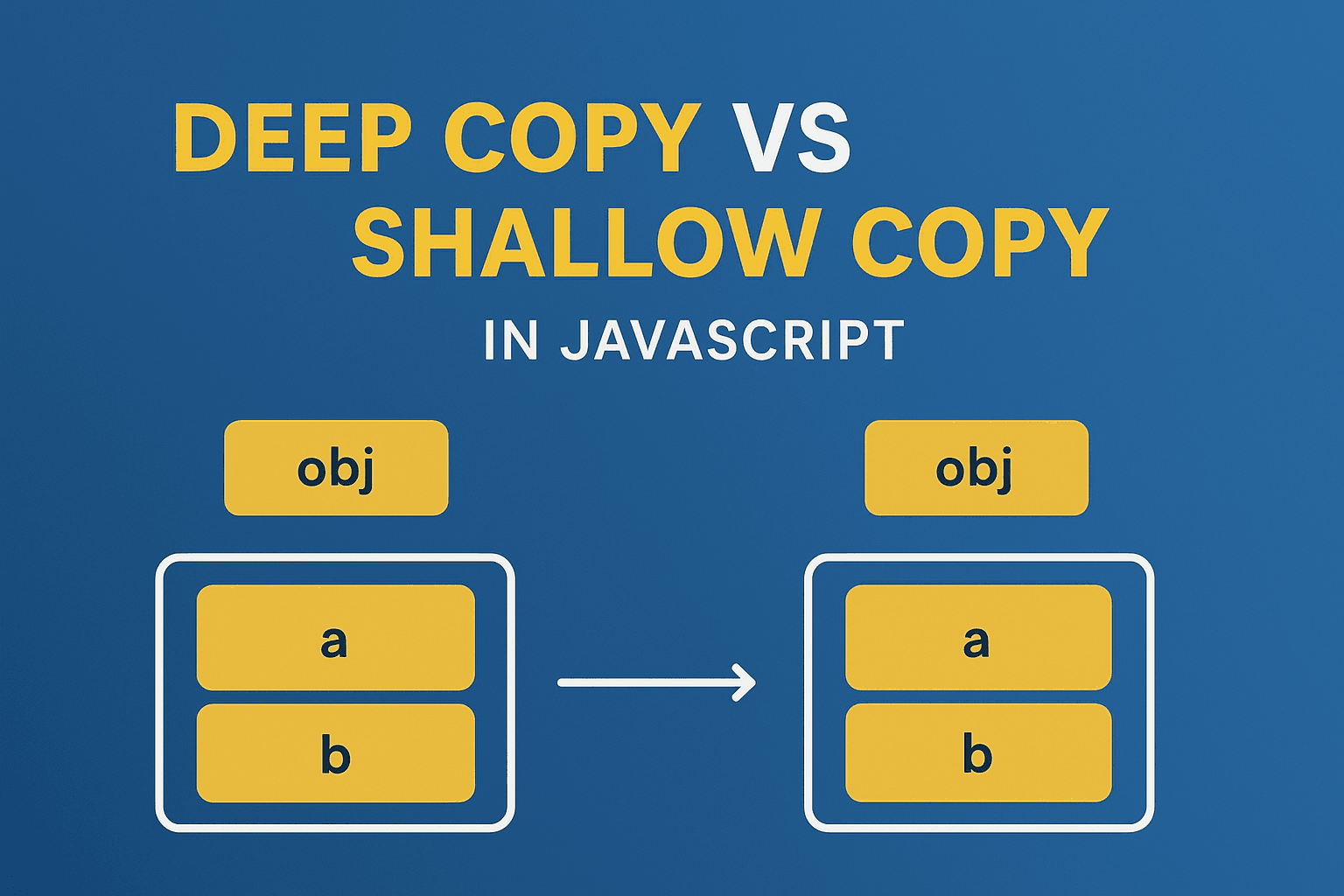
Working with AWS Lambda in Dev and Prod Environments using Serverless Framework
Deploy AWS Lambda in Dev & Prod with Serverless Framework
A software engineer who likes to explore new technologies, problem-solving, build projects, and have a keen interest in Web development.
When building cloud-native applications, separating development and production environments is crucial. AWS Lambda makes it easy to deploy serverless functions, but managing different environments without chaos requires a structured approach.
In this blog, we’ll explore how to manage Dev and Prod Lambda deployments using the Serverless Framework. We’ll set up environment-specific configurations, IAM permissions, and function names to keep both environments isolated and manageable.
Why Separate Dev and Prod?
Avoid breaking production: Experiment safely in Dev before pushing to Prod.
Environment-specific configs: API keys, DB URIs, and secrets differ between Dev and Prod.
Cost control: Run lightweight configs in Dev, scale Prod as needed.
Audit & Monitoring: Logs and alerts should be separated per environment.
Serverless Framework Setup
The Serverless Framework simplifies AWS Lambda deployments by allowing us to declare everything (functions, IAM, env variables, resources) in a single YAML file.
Install Serverless
npm install -g serverless
Initialize a new project:
serverless create --template aws-nodejs --path my-service
cd my-service
npm init -y
Example serverless.yml with Dev & Prod Environments
Here’s a clean example:
service: user-api-service
frameworkVersion: '3'

custom:
  currentStage: ${opt:stage, 'dev'}
  functionNameMap:
    dev: userApiFunction
    prod: userApiFunction-prod

provider:
  name: aws
  runtime: nodejs18.x
  region: ap-south-1
  stage: ${self:custom.currentStage}
  memorySize: ${self:custom.currentStage == 'dev' ? 128 : 512}
  timeout: ${self:custom.currentStage == 'dev' ? 10 : 30}

  environment:
    NODE_ENV: ${self:custom.currentStage}
    DB_URI: ${self:custom.currentStage == 'dev'
      ? 'mongodb+srv://dev-cluster/test'
      : 'mongodb+srv://prod-cluster/live'}

  iam:
    role:
      statements:
        - Effect: Allow
          Action:
            - logs:CreateLogGroup
            - logs:CreateLogStream
            - logs:PutLogEvents
          Resource: "*"

functions:
  userApi:
    handler: handler.main
    name: ${self:custom.functionNameMap.${self:custom.currentStage}}
    description: "Lambda for ${self:custom.currentStage} environment"

plugins:
  - serverless-dotenv-plugin
  - serverless-plugin-typescript
Breaking It Down
custom.currentStage: Picks up stage from CLI (sls deploy --stage prod). Defaults todev.functionNameMap: Ensures Lambda functions have unique names across environments.environment: Stage-specific environment variables (e.g., DB URIs).memorySize&timeout: Different performance settings for Dev vs Prod.
Deploying to Dev vs Prod
To deploy in Dev (default):
sls deploy
To deploy in Prod:
sls deploy --stage prod
Each environment will create a separate Lambda function, logs, and resources, ensuring clean isolation.
Logging & Monitoring per Environment
Every deployment automatically creates CloudWatch log groups:
/aws/lambda/userApiFunction→ Dev logs/aws/lambda/userApiFunction-prod→ Prod logs
This separation makes debugging easier and prevents noisy logs from mixing.
Best Practices
Use Secrets Manager/SSM Parameter Store for sensitive credentials instead of hardcoding in
serverless.yml.Enable log retention to avoid bloated CloudWatch bills.
Automate deployments with CI/CD pipelines (GitHub Actions, CodePipeline).
Test in Dev before promoting to Prod.
Conclusion
Managing AWS Lambda for multiple environments can get messy if not planned well. Using Serverless Framework with stage-aware configs ensures clean isolation between Dev and Prod. You can tune resources, environment variables, and IAM permissions per environment, while still keeping everything in a single configuration file.