Mastering Deep Copy vs Shallow Copy in JavaScript: A Must-Know for Developers
P
A software engineer who likes to explore new technologies, problem-solving, build projects, and have a keen interest in Web development.
Search for a command to run...
A software engineer who likes to explore new technologies, problem-solving, build projects, and have a keen interest in Web development.
No comments yet. Be the first to comment.
How a 3-line Prisma query fired 1,847 database queries per request — and how we found, fixed, and prevented it from ever coming back.

When building backend systems, especially SaaS applications, handling background jobs correctly is critical. Whether it's sending emails, processing payments, or scheduling reminders, choosing the rig
Guide to Zero-Interruptions Deployment for Node.js on AWS EC2

Clearing the Confusion Around JavaScript Function Arguments
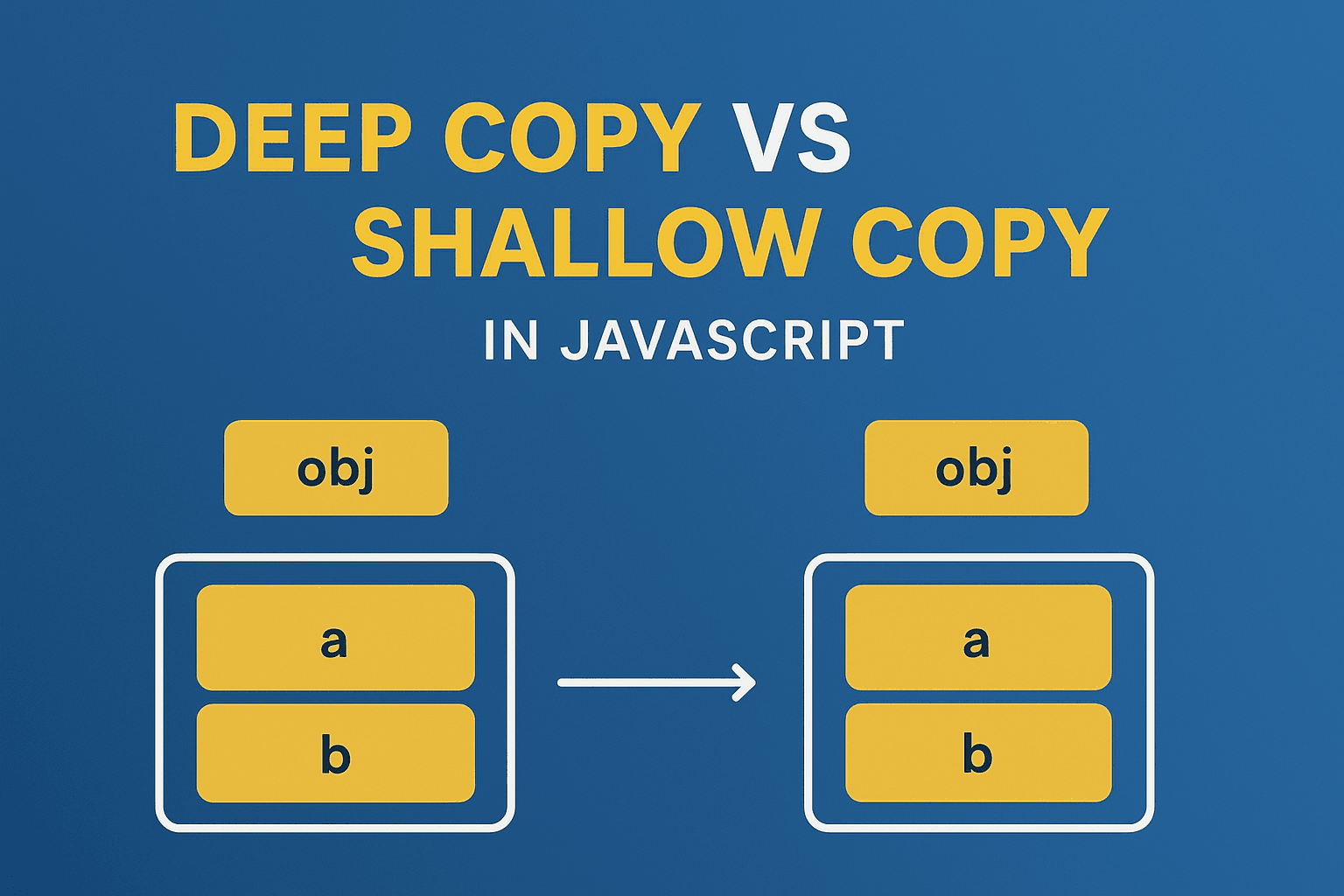
When we work with objects and arrays in JavaScript, we often need to copy data. But copying in JavaScript is not always as simple as it looks. Depending on the method you use, you may end up with shared references which can cause unexpected changes in your data. To handle this properly, it’s important to understand the concepts of shallow copy and deep copy.
A shallow copy creates a new object but only copies the top-level properties.
If the property is a primitive value like string, number, boolean, null, undefined, symbol, or bigint, it gets copied directly.
If the property is an object, array, or function (reference type), then only the reference is copied. This means both the original and the copied object will point to the same nested structure.
const original = {
  name: "Pratik",
  skills: ["JavaScript", "React"]
};

const shallowCopy = { ...original };

shallowCopy.name = "Alex";
shallowCopy.skills.push("Node.js");

console.log(original.name);   // "Pratik" → unchanged
console.log(original.skills); // ["JavaScript", "React", "Node.js"] → changed
Here, the primitive property name is copied safely, but the skills array is shared. Updating shallowCopy.skills also updates original.skills.
Object spread: { ...obj }
Object.assign({}, obj)
Array methods like:
arr.slice()
[...arr]
A deep copy goes one step further. It copies not only the top-level properties but also all nested objects and arrays. This makes the copied object completely independent of the original.
const original = {
  name: "Pratik",
  skills: ["JavaScript", "React"]
};

// Deep copy using structuredClone
const deepCopy = structuredClone(original);

deepCopy.name = "Alex";
deepCopy.skills.push("Node.js");

console.log(original.name);   // "Pratik" → safe
console.log(original.skills); // ["JavaScript", "React"] → safe
Here, the deepCopy object is fully independent. Any change in deepCopy does not affect original.
structuredClone() (works in modern browsers and Node.js 17+)
const clone = structuredClone(obj);
JSON method (works but has limitations)
const clone = JSON.parse(JSON.stringify(obj));
Note: This method removes functions, symbols, undefined values, and fails with circular references.
Libraries like Lodash (_.cloneDeep(obj)) or Immer.
Shallow Copy is enough when:
You only need to copy simple, top-level data.
You are sure that nested objects or arrays will not be modified.
Deep Copy is necessary when:
You want complete independence between the copy and the original.
You are working with frameworks like React/Redux, where immutability is important.
You are dealing with nested or complex data structures.
| Feature | Shallow Copy | Deep Copy |
| Copies primitives | Yes | Yes |
| Copies references | Yes (shared) | No (independent) |
| Performance | Faster | Slower |
| Use case | Simple, flat objects/arrays | Nested or complex objects |
Understanding the difference between shallow copy and deep copy is very important for every JavaScript developer. It helps avoid unexpected bugs, especially when handling state management in frameworks like React.
Use shallow copy when you only need a quick top-level copy.
Use deep copy when you want complete isolation between the original and the copied data.
This clarity will save you from a lot of hidden issues in real-world applications.